Both the credit union’s credit card and debit card programs offer rewards for use. The credit union encourages all members to use their rewards points. Each program is unique and has a different structure, redemption options and websites. Please see the information below to learn how to redeem your rewards for both programs.
If you have questions regarding either rewards platform, join us for an informative webinar on November 13 at 12 pm ET. Register today and even if you can't attend, you will be emailed a copy of the recording.
How to Redeem Credit Card Rewards
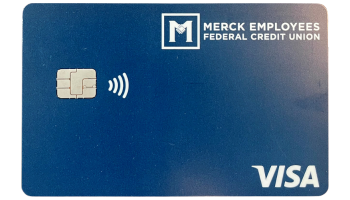
For every $1 you spend on your credit union Visa Credit Card, you earn 1 CU Reward point. For example, a $10 purchase on you MEFCU Visa Credit Card would earn you 10 points.
The credit union’s credit card rewards program is called CU Rewards. The website can be accessed by visiting: https://www.curewards.com/Login.
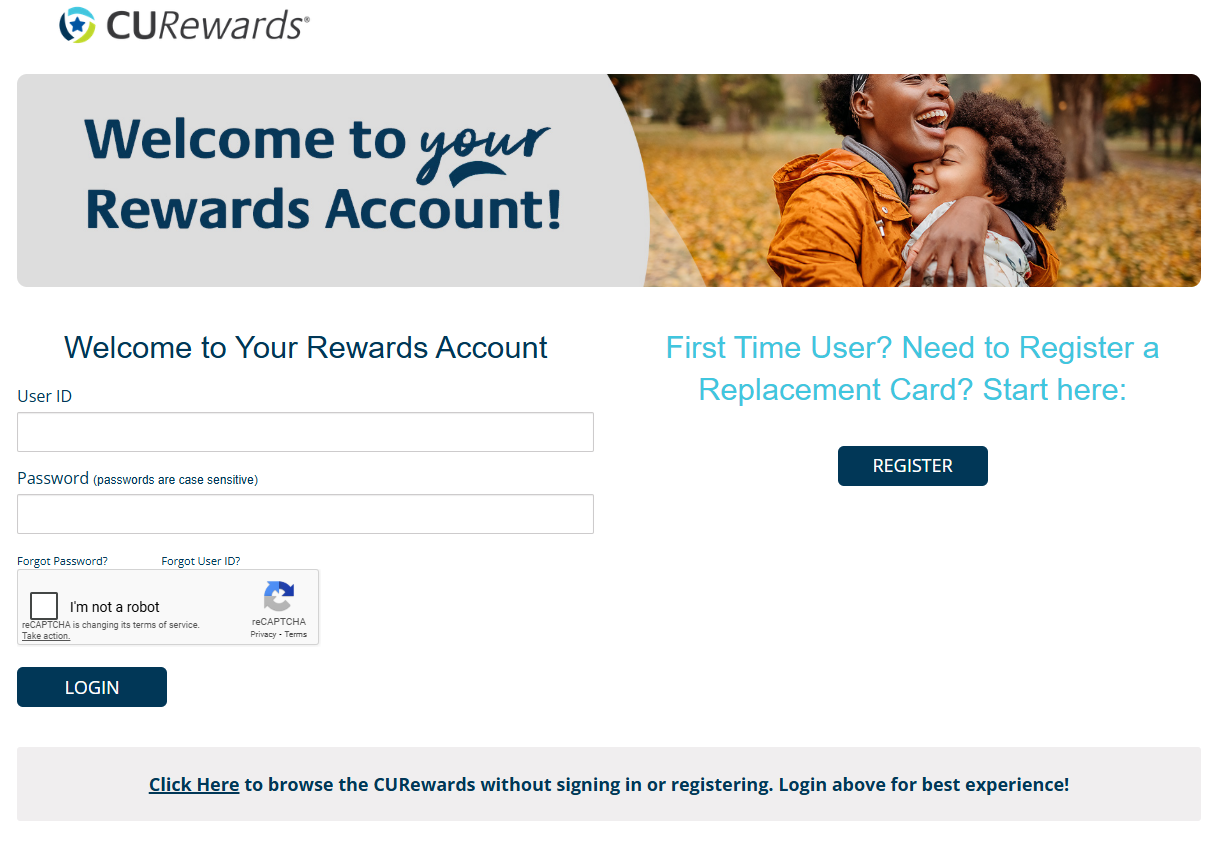
First time users of the CU Rewards site will need to register. Individuals who have already registered can login with their established username and password.
CU Rewards points can be used for the following (NOTE: a minimum of 2,500 points is required for cash back options; minimum redemption of $25):
- Statement credits (minimum payment still required if balance remains after redemption)
- Deposit of cash to your Merck EFCU checking or savings account
- Amazon – after logging in and selecting “Redeem”, select “Our Amazon Store” and redeem; shipping is free and the redemption is not linked to your Amazon account
- Best Buy – Items available for Best Buy In-Store Pickup contain the Best Buy logo in the top left corner of the item image. Once the item is in your cart, select Best Buy as the delivery method and find the closest Best Buy store location that has the item available for pickup.
- Travel – CU Rewards can be redeemed for flights, hotels, cruises, rental cars, and travel gift cards using the CU Rewards site.

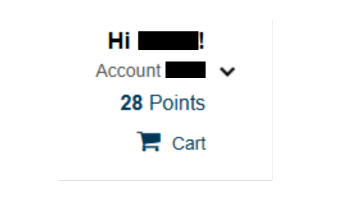
Your card info and points balance are in the upper right corner of the screen after logging in:
If you need assistance with the redemption process, please contact the credit union during regular business hours (Monday-Friday, 8 am – 4 pm).
How to Redeem Debit Card Rewards

The easy way to redeem your debit card rewards points is to log into online banking or mobile banking through the mobile app.
There you would access the Debit Card Controls.
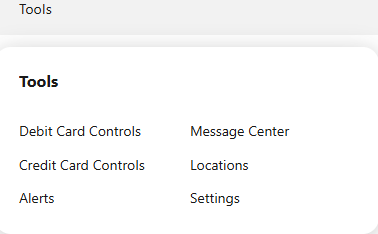
If you have not registered your debit card already you will need to provide some information to get started. Complete that process and then you will be brought to your card and all of the items that you can update and access through the Debit Card Controls menu.
To access your Rewards, click on “Rewards” in the left side menu.
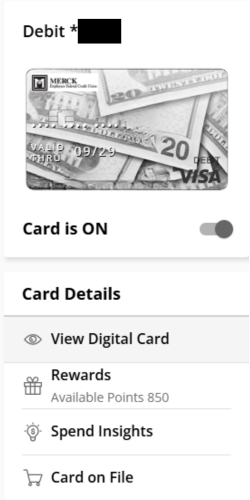
Then click “Continue” and you will be automatically signed and brought to the uChoose Rewards site where you can redeem your rewards points.
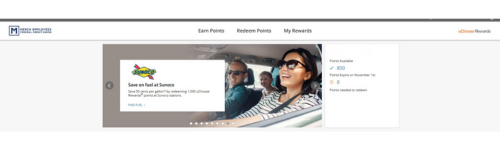
Debit Rewards can be redeemed for:
- Apple products
- Gift Cards
- Merchandise
- Pay with Points at the following: ARCO Pay with Points, BP Amoco Pay with Points, Amazon Shop, Paypal Pay with Rewards, and Sunoco Pay with Points
- Travel booking through uChoose Rewards
Things to Know
- For both the Credit Card and Debit Card Rewards Programs, merchant offers are available. We encourage members to log in and add offers to their cards or shop online through the sites to earn additional points from places you are already spending your money. Offers can be found under the “Earn” or “Earn Points” on both sites. All offers are offered through the individual reward sites and funded by the merchants. The credit union is not affiliated with any of the merchants or offers.
- Both sites require you to reactivate or enroll new cards if your credit or debit card(s) is replaced. Points will carry to the new card and should show in your account after reactivating or enrolling.
- The credit union can assist during regular business hours (Monday-Friday, 8 am – 4 pm).